This post may contain affiliate links. If you buy through them, we may earn a small commission at no extra cost to you.
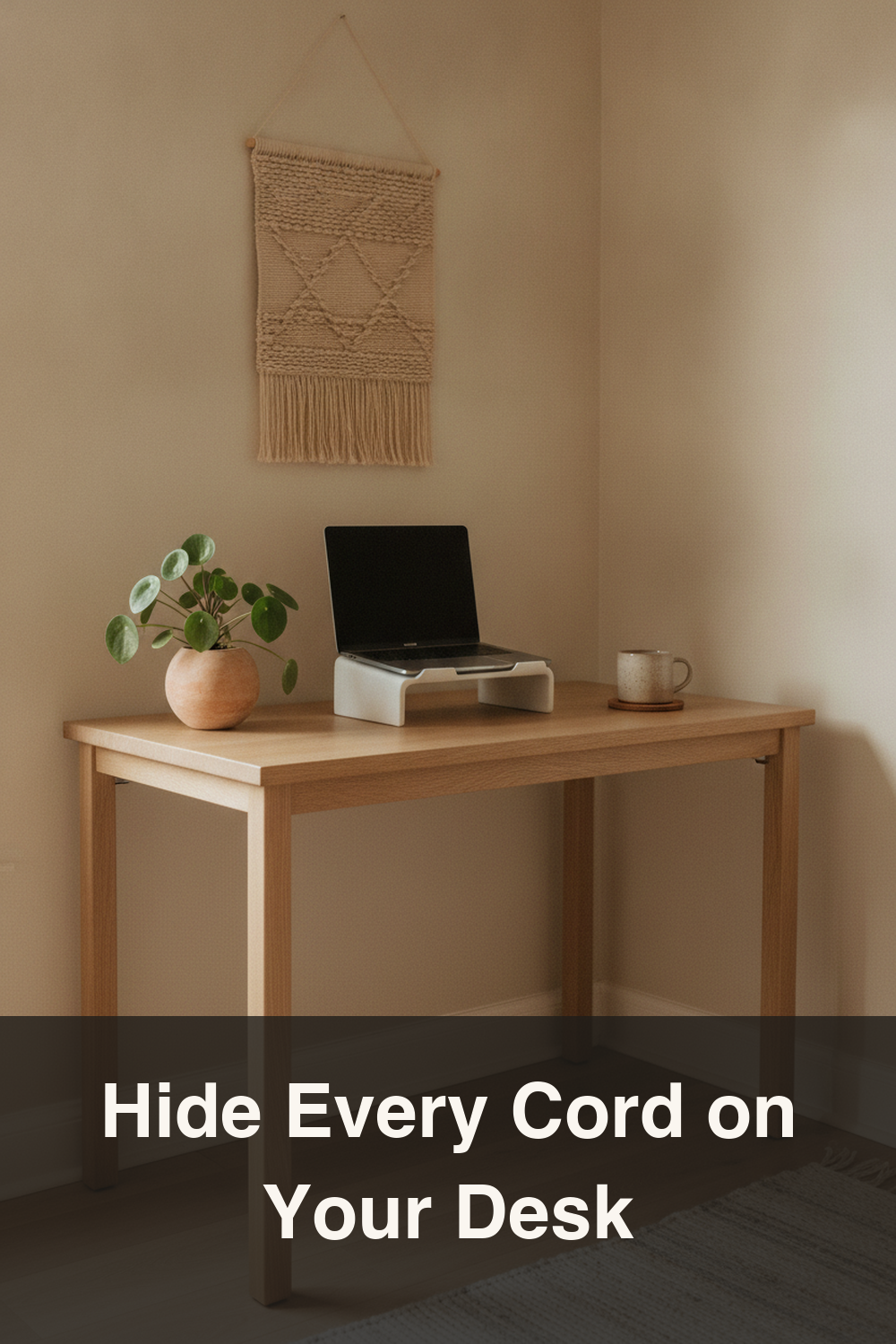
If your desk looks less like a calm Japandi corner and more like a tangle of charging cords, you’re not alone. In small apartments and dorms, every cable seems to multiply overnight. The good news is that cable chaos is one of the easiest things to fix with a few intentional habits and simple tools. Borrowing from Japanese organizing principles — everything has a home, nothing is left visible unless it’s beautiful — you can turn your desk into a quiet, clutter-free workspace. Here are ten practical cable management ideas that actually work in real small-space setups.
1. Run a Cable Raceway Along the Back of Your Desk
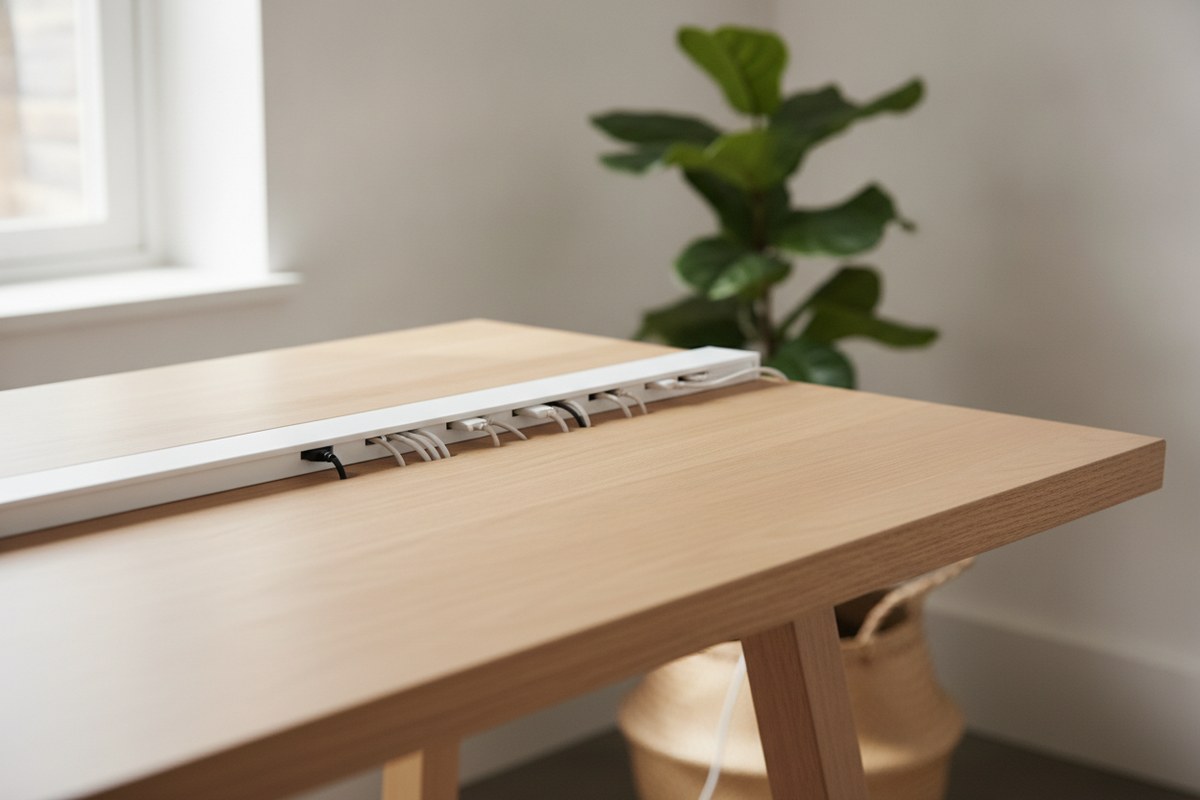
The fastest way to hide a mess of cords is to stop them from ever reaching your eye line. A slim cable raceway or cable management raceway mounts to the back edge of your desk and channels every cord into one tidy line. Instead of a nest of wires dangling behind your monitor, you get a single clean strip — very in line with the Japandi idea of concealing function so only calm, simple lines remain visible.
2. Add an Under-Desk Cable Tray
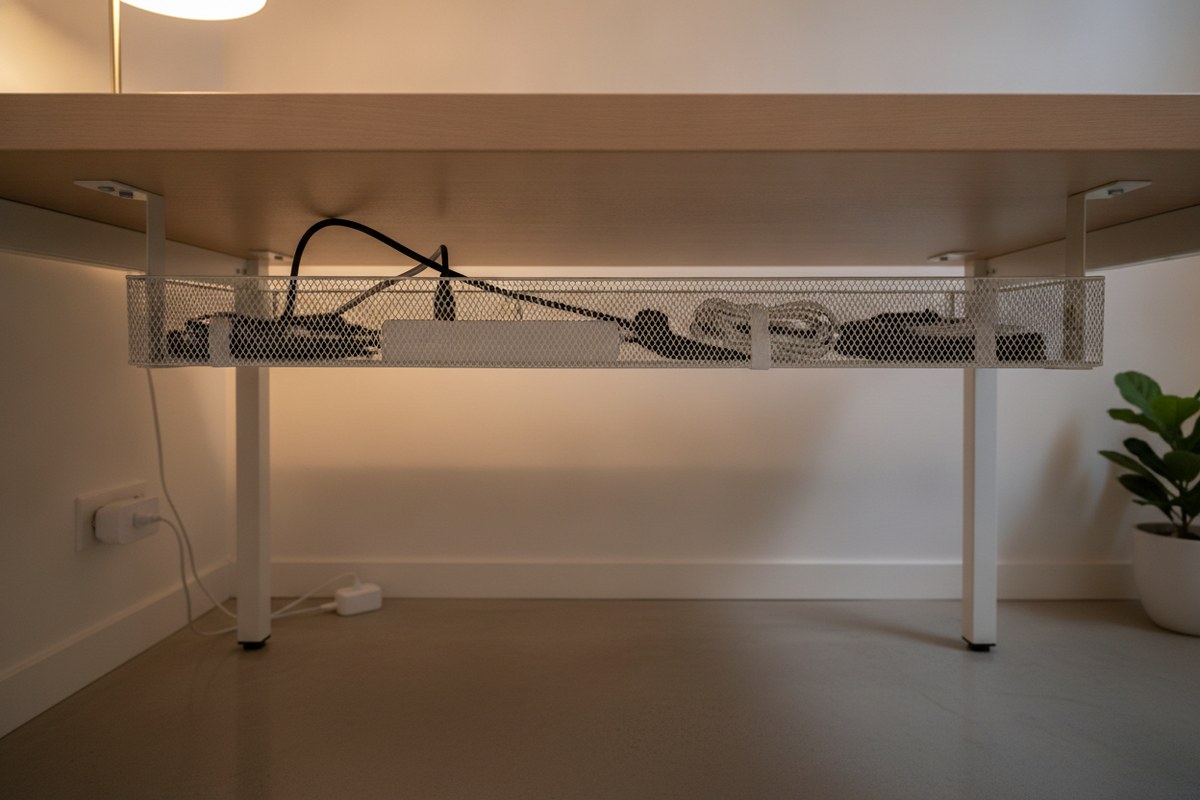
Power strips, chargers, and surplus cord length don’t need to live on your desktop at all. An under-desk cable tray attaches beneath the desk surface and becomes a hidden shelf just for cords and adapters. This is one of the simplest upgrades you can make, and it instantly clears visual clutter from the top of your workspace without requiring any rewiring of your setup.
3. Bundle Loose Cords with Reusable Ties
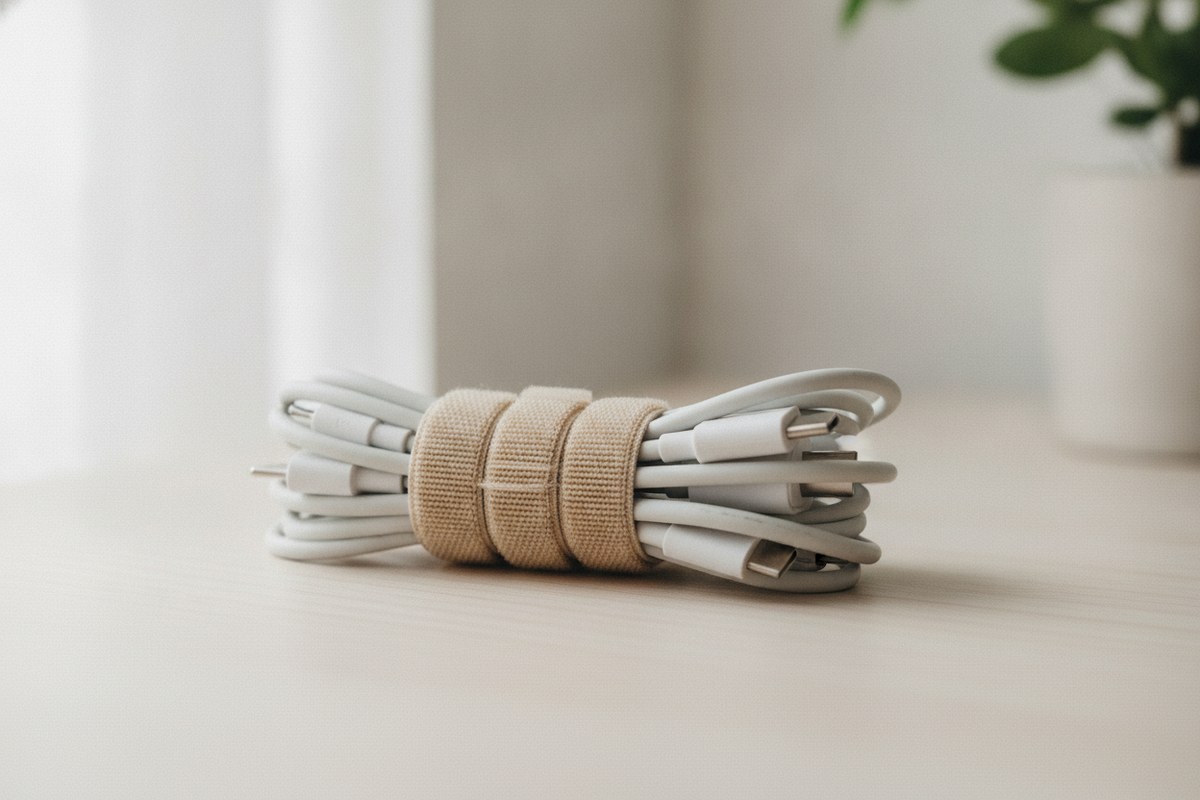
Loose, dangling cords are the enemy of a clean desk. Gather same-direction cables — like the three or four running from your monitor, hub, and lamp — into one bundle using reusable velcro cable ties. Unlike zip ties, these can be loosened and adjusted whenever you rearrange your setup, which matters in small rooms where furniture tends to shift often.
4. Mount Your Power Strip Instead of Letting It Sit on the Floor
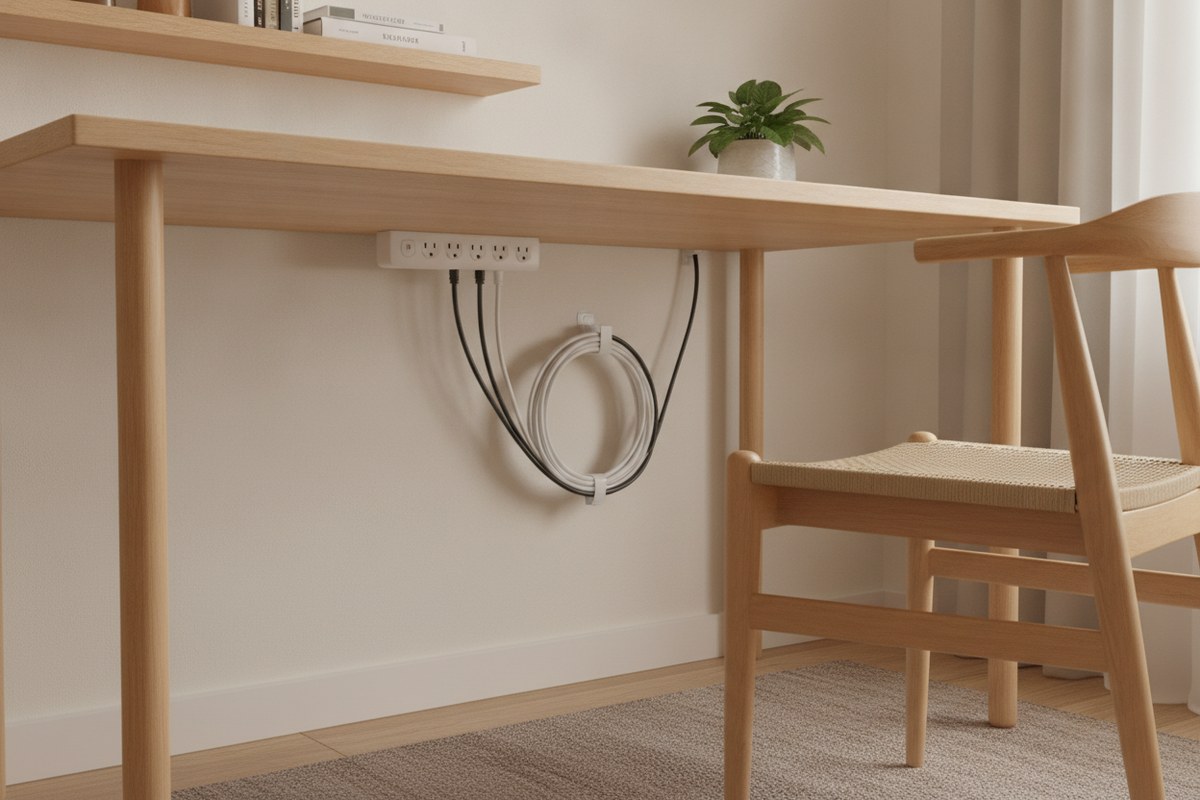
A power strip lying on the floor collects dust and becomes a tripping hazard in tight rooms. Many strips can be mounted directly to the underside of the desk or the wall behind it using adhesive brackets, keeping outlets accessible but out of sight. This single change also makes it much easier to vacuum or sweep under your desk, which fits the Japanese habit of choosing setups that are simple to clean daily rather than deep-cleaned occasionally.
5. Use Adhesive Clips to Anchor Cords at the Edge
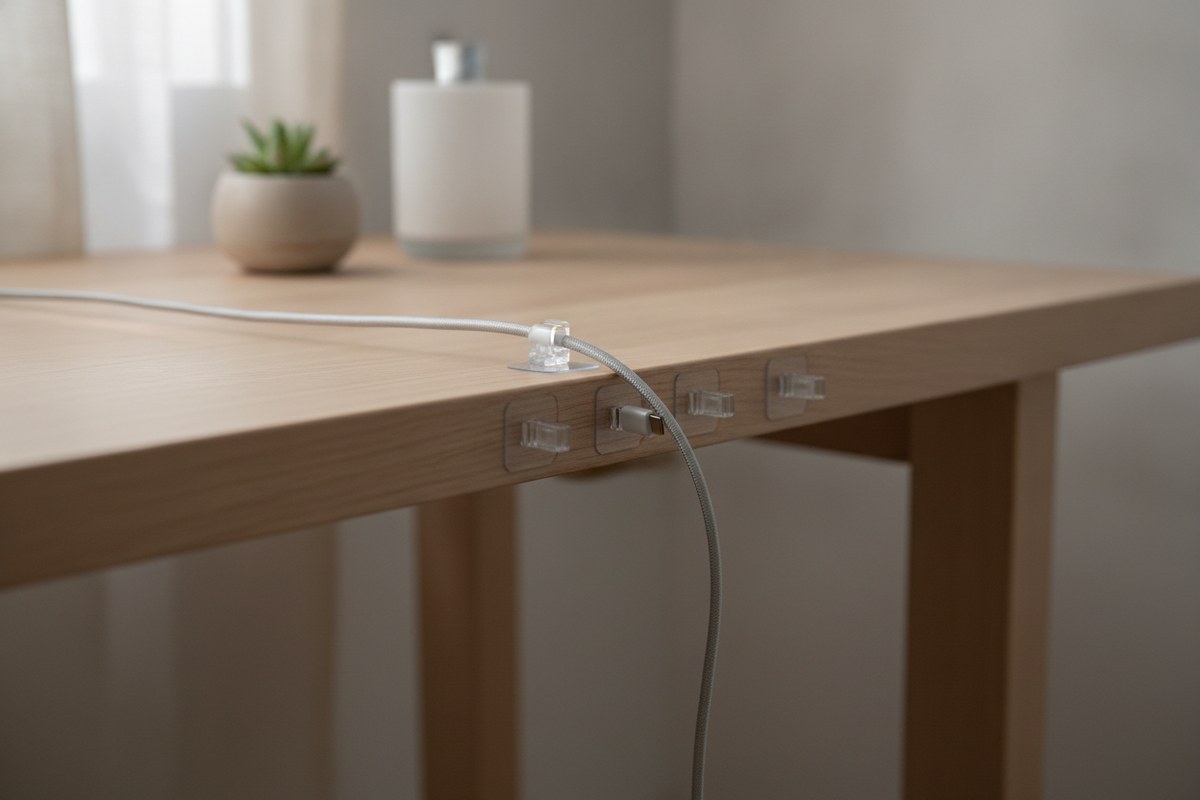
Chargers that slide off the desk and disappear behind furniture are a small but constant annoyance. A few adhesive cable clips stuck along the desk edge or wall keep charging cords upright and within reach, so you’re not fishing around on the floor every time you need to plug in your phone or laptop.
6. Route Cords Through a Desk Grommet
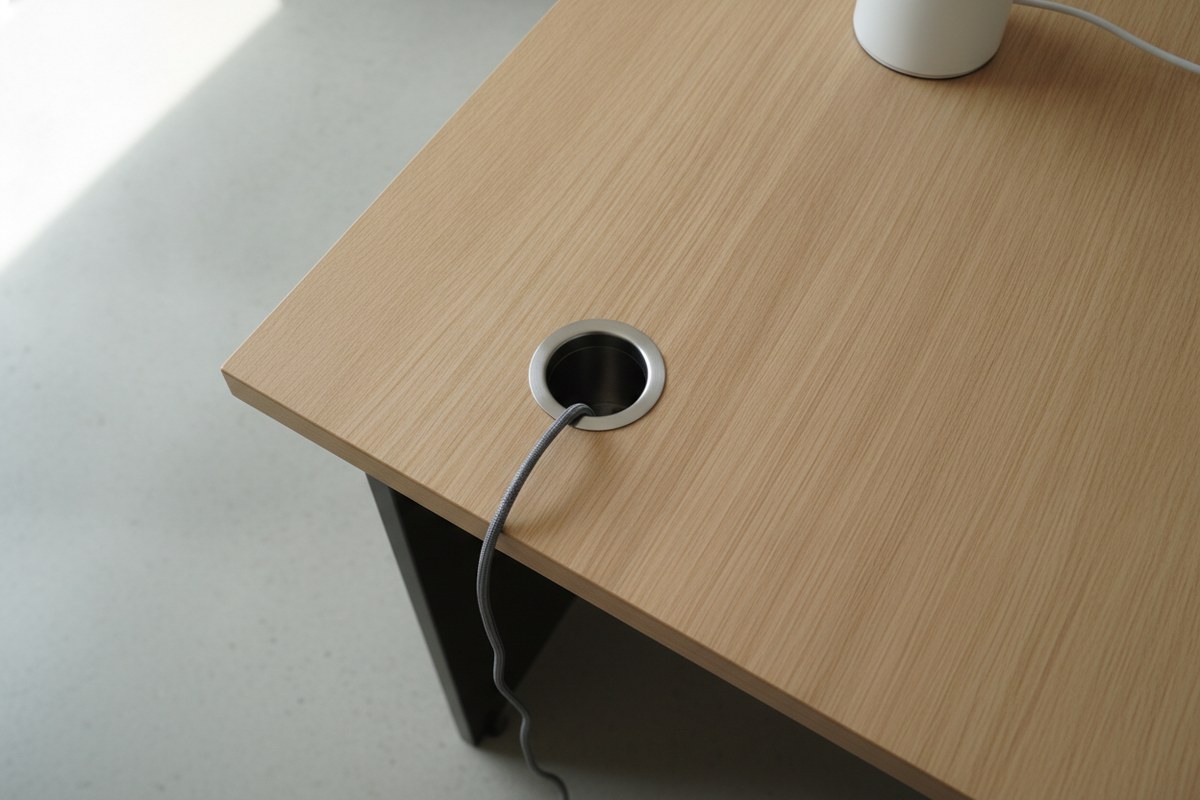
If your desk doesn’t already have a built-in grommet hole, a clip-on or drop-in desk cable grommet lets you pass cords straight down through the surface instead of over the edge. This keeps everything moving in one vertical line to the floor, avoiding the sideways sprawl that makes small desks look cramped.
7. Reduce Cord Count with a Wireless Charging Pad
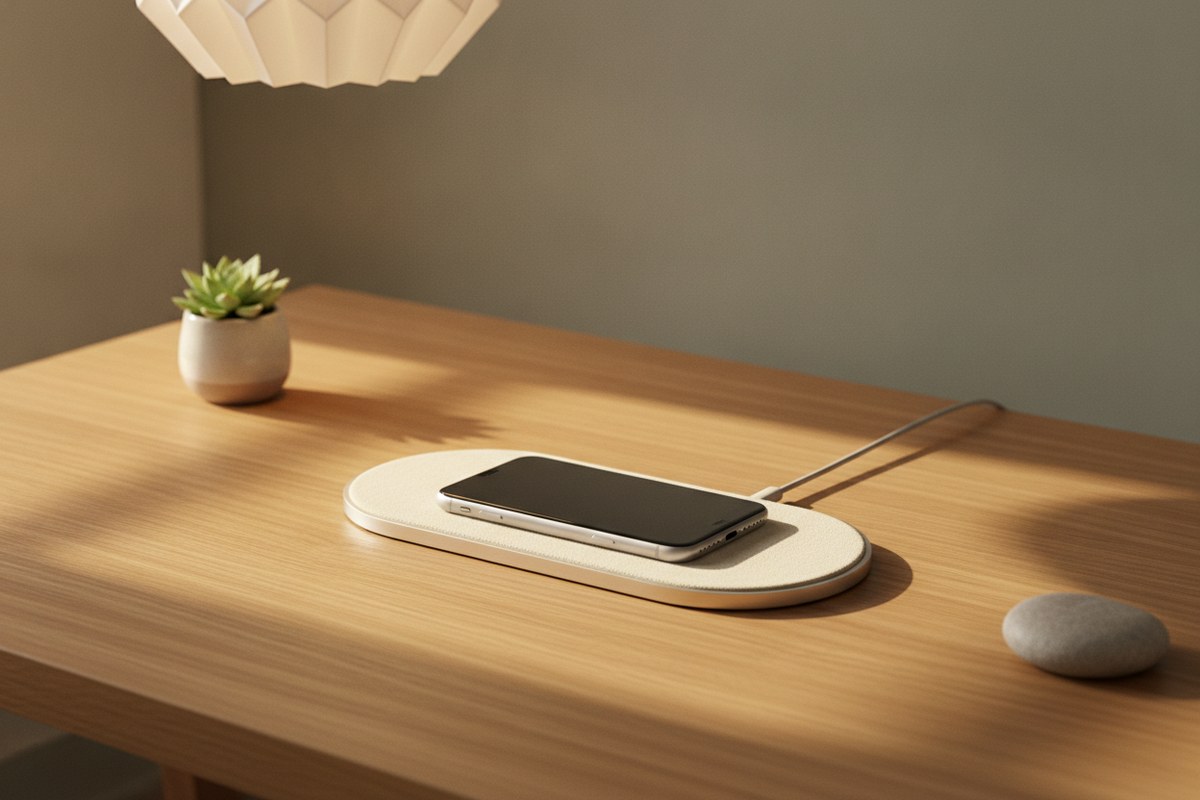
Sometimes the best cable management is having fewer cables to manage. Swapping a phone charging cord for a slim wireless charging pad removes one more cord from your desktop entirely. It’s a small change, but in a tiny dorm or studio desk, every cord you eliminate makes a visible difference.
8. Hide Bulky Power Bricks in a Cord Box
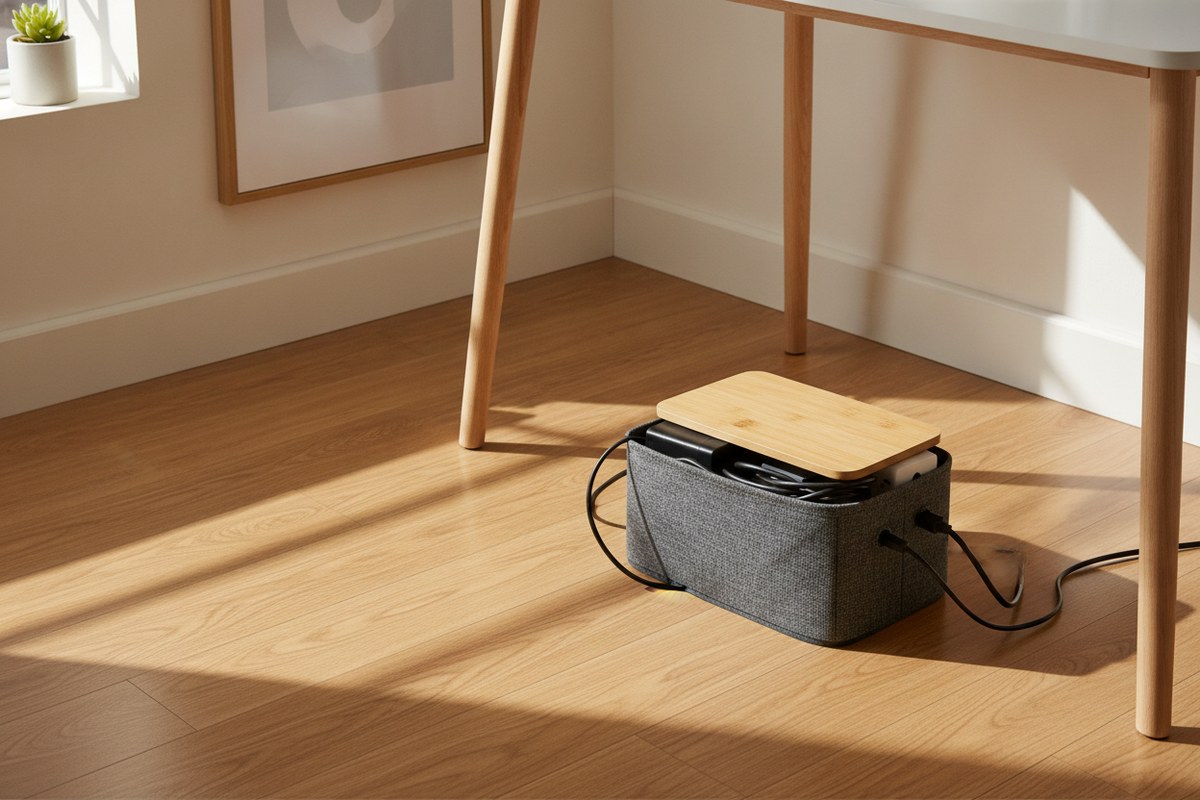
Laptop chargers and router bricks are bulky and rarely attractive. Tuck them inside a simple cable management box that sits on the floor or a shelf nearby. The box hides the tangle completely while still venting enough to prevent heat buildup, giving your desk area one clean, boxed-off point where all the “ugly” hardware lives.
9. Manage Monitor and Arm Cables Separately
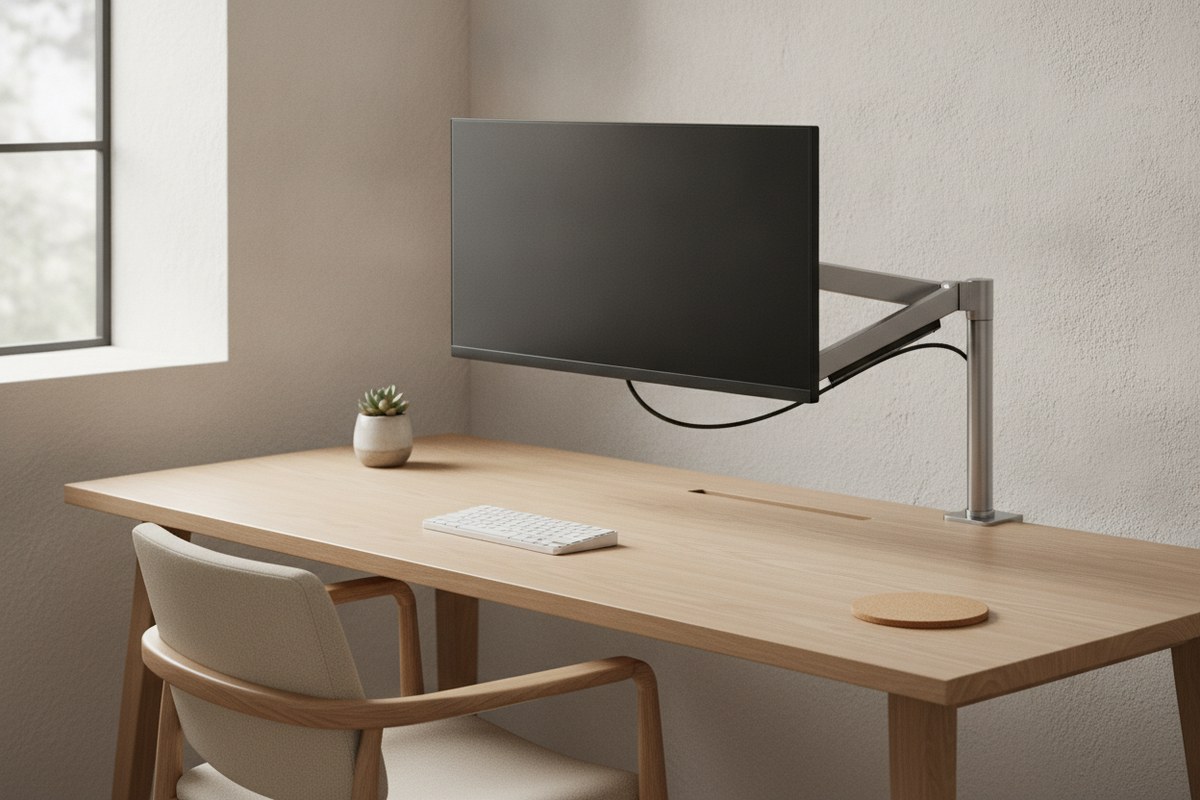
If you use a monitor arm, its cable needs its own path so it doesn’t tug or tangle when you adjust the screen height. Most arms include a small channel along the pole — use it, and loosely tie any excess length so the cord moves freely with the arm instead of pulling taut or drooping into your workspace.
10. Consolidate Devices with a Single Hub
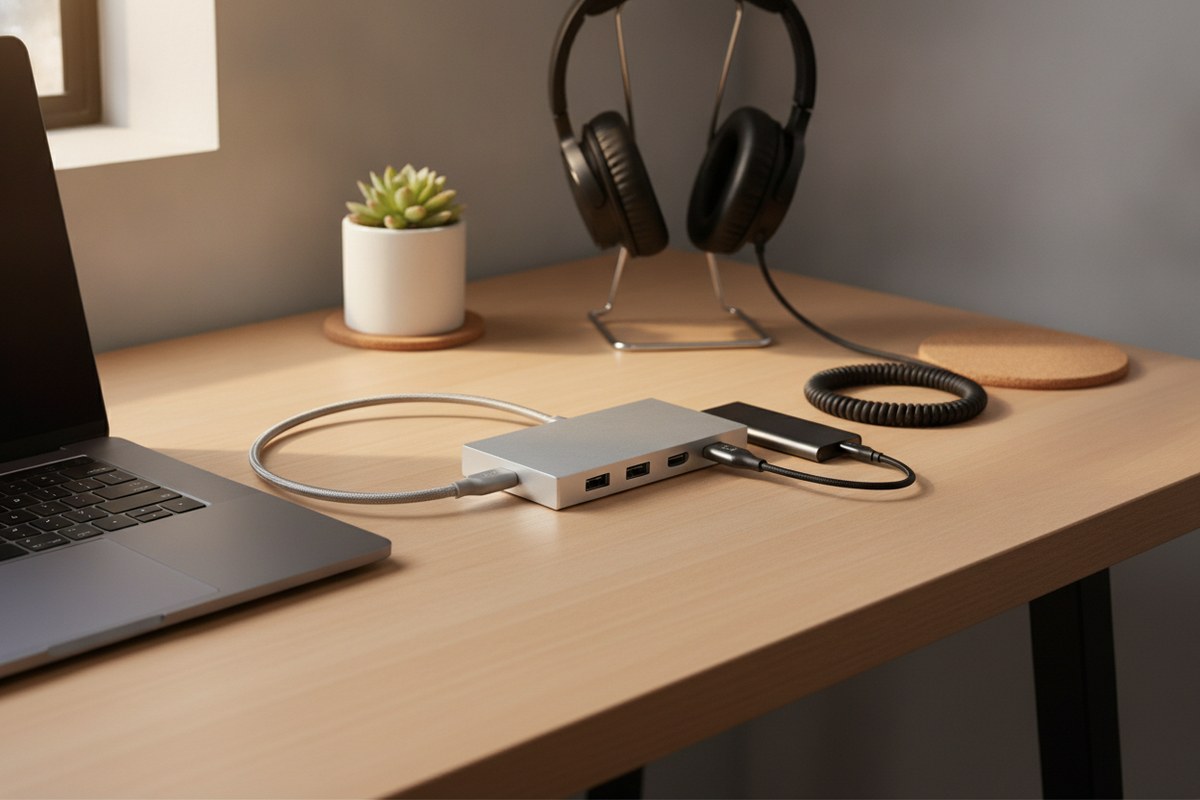
Instead of running five separate cords from five separate devices to your laptop, a USB-C docking hub lets you connect almost everything through one cable. This is especially useful for small desks where multiple ports on the laptop itself simply aren’t reachable without a small forest of adapters spilling across the surface.
None of these ideas require a full desk overhaul — most take less than twenty minutes to set up. Pick two or three that match your current setup, start with the cords you see most often, and let the rest follow. A calmer desk, after all, is really just fewer things demanding your attention at once.