This post may contain affiliate links. If you buy through them, we may earn a small commission at no extra cost to you.
If your desk feels chaotic no matter how many times you tidy it, the real culprit is probably hiding below the surface: cables. A tangle of cords undoes even the most carefully curated Japandi desk setup, pulling your eye (and your stress levels) right back to clutter. The good news is that cable management doesn’t require an electrician’s toolkit — just a few intentional habits borrowed from Japanese organizing principles, where every object has a defined place and nothing is left loose or visible without purpose. Here are ten simple, small-space-friendly ways to get your cords under control for good.

1. Sort Cables by Zone Before You Organize
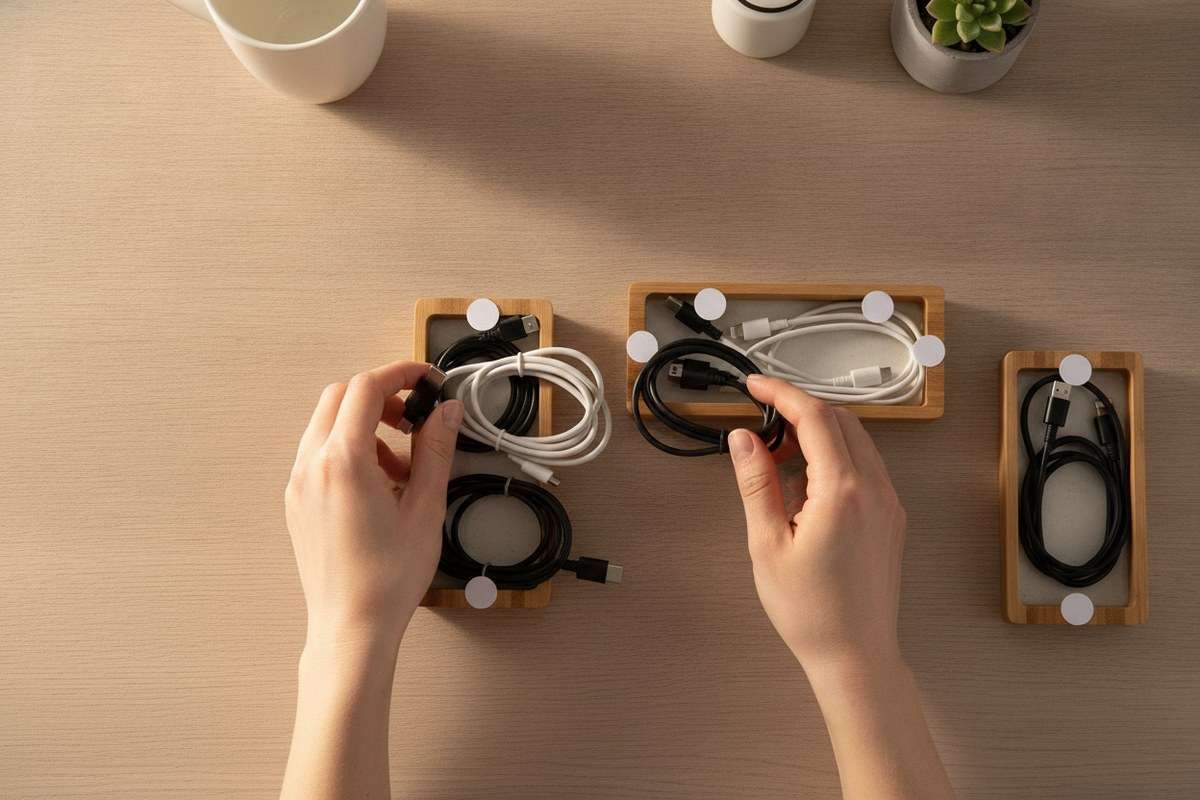
Before buying a single organizer, spend five minutes grouping your cables by function: power, charging, audio, and data. This mirrors the Japanese organizing habit of categorizing before containing — you can’t create a home for something until you know what it is. Lay everything out on the desk, unplug what you don’t actually use daily, and only return the essentials. Many small-space desks are overrun simply because old cords never got removed in the first place.
2. Bundle Loose Cords with a Cable Sleeve
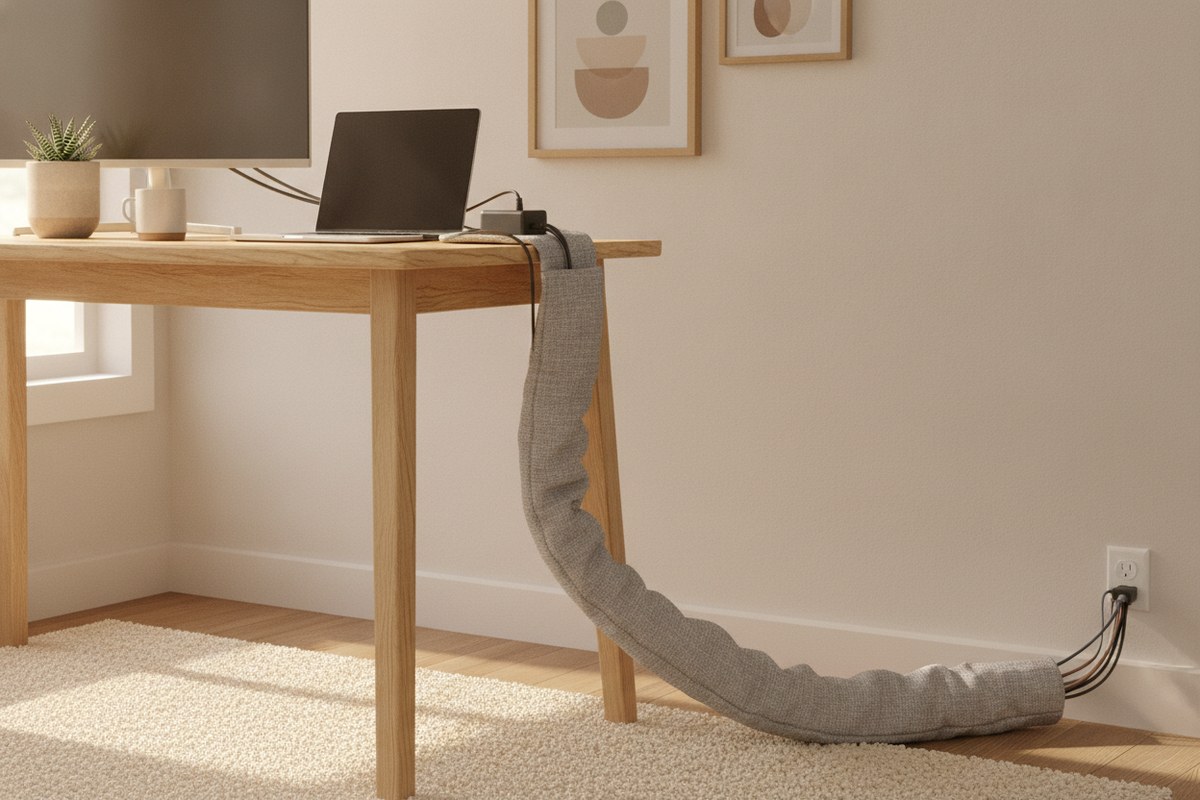
Once you know which cables are staying, group them into a single neat bundle using a cable management sleeve. This fabric wrap takes four or five dangling wires and turns them into one calm, uniform line that runs from your desk to the outlet. It’s especially helpful in Japandi spaces where visual quiet matters as much as physical tidiness — a single soft tube reads as intentional, while loose wires read as unfinished.
3. Add an Under-Desk Cable Tray
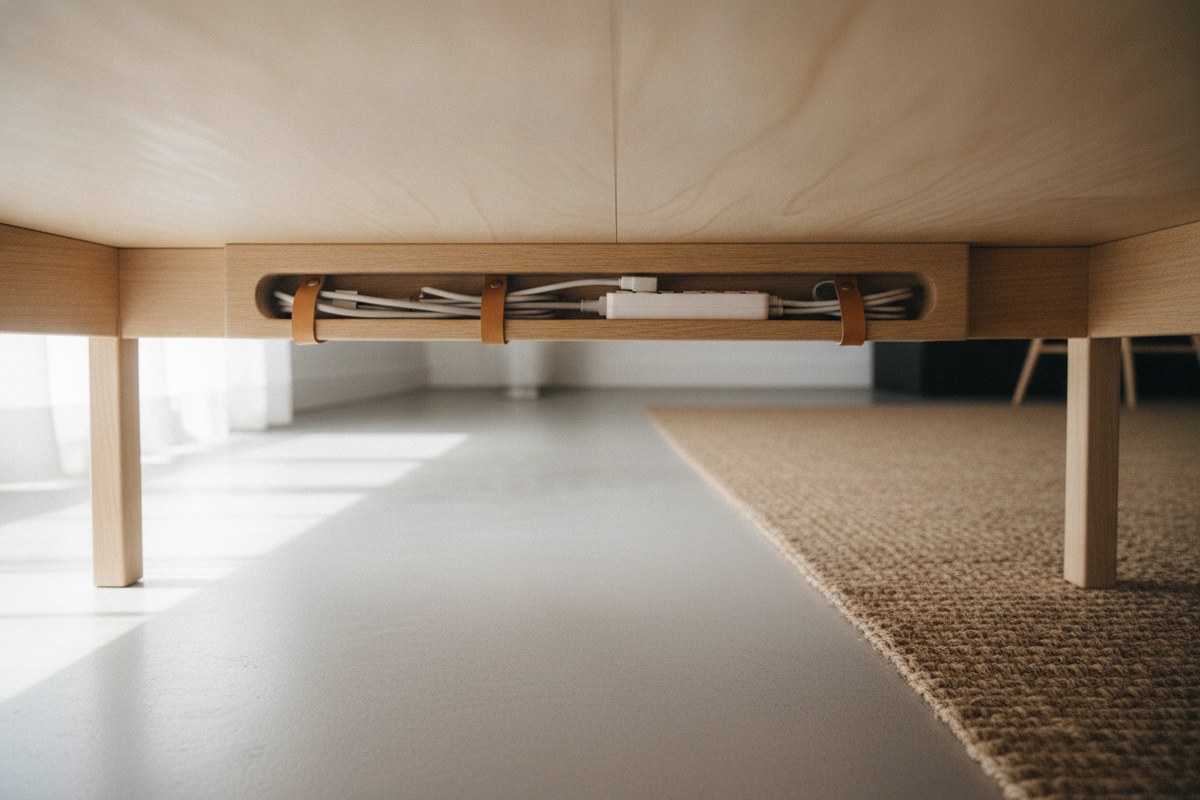
An under-desk cable tray is one of the most transformative additions you can make to a small home office. It mounts beneath the desktop and holds your power strip, chargers, and extra cord length completely out of sight. This is the cable-management equivalent of a Japanese storage drawer: everything has a hidden home, and the surface above stays clear for actual work.
4. Swap Zip Ties for Reusable Velcro Straps
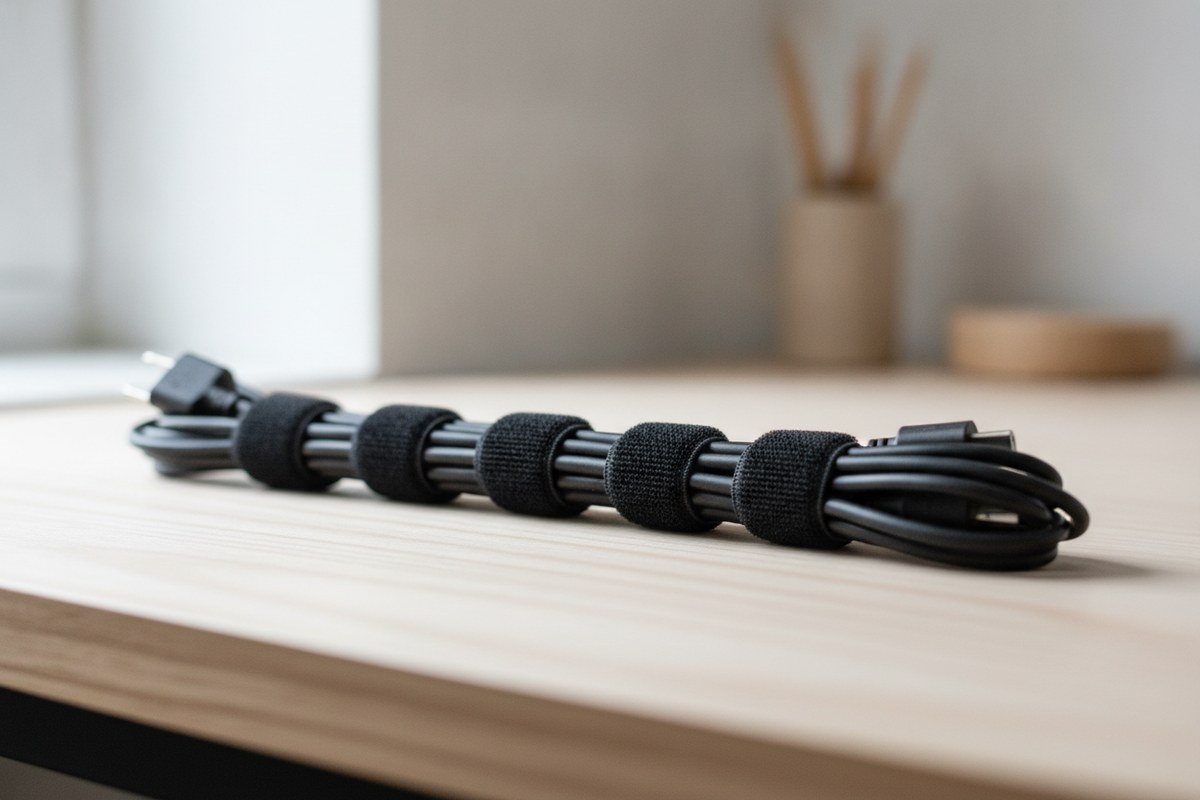
Zip ties feel like a quick fix, but they’re permanent, wasteful, and annoying to adjust when you inevitably add a new device. Reusable velcro cable ties let you bundle and rebundle cords as your setup changes, which fits the Japandi philosophy of adaptable, low-waste organization. Keep a small bundle of these in a drawer so tidying takes seconds, not a trip to the store.
5. Anchor Cords with Adhesive Clips Along the Desk Edge
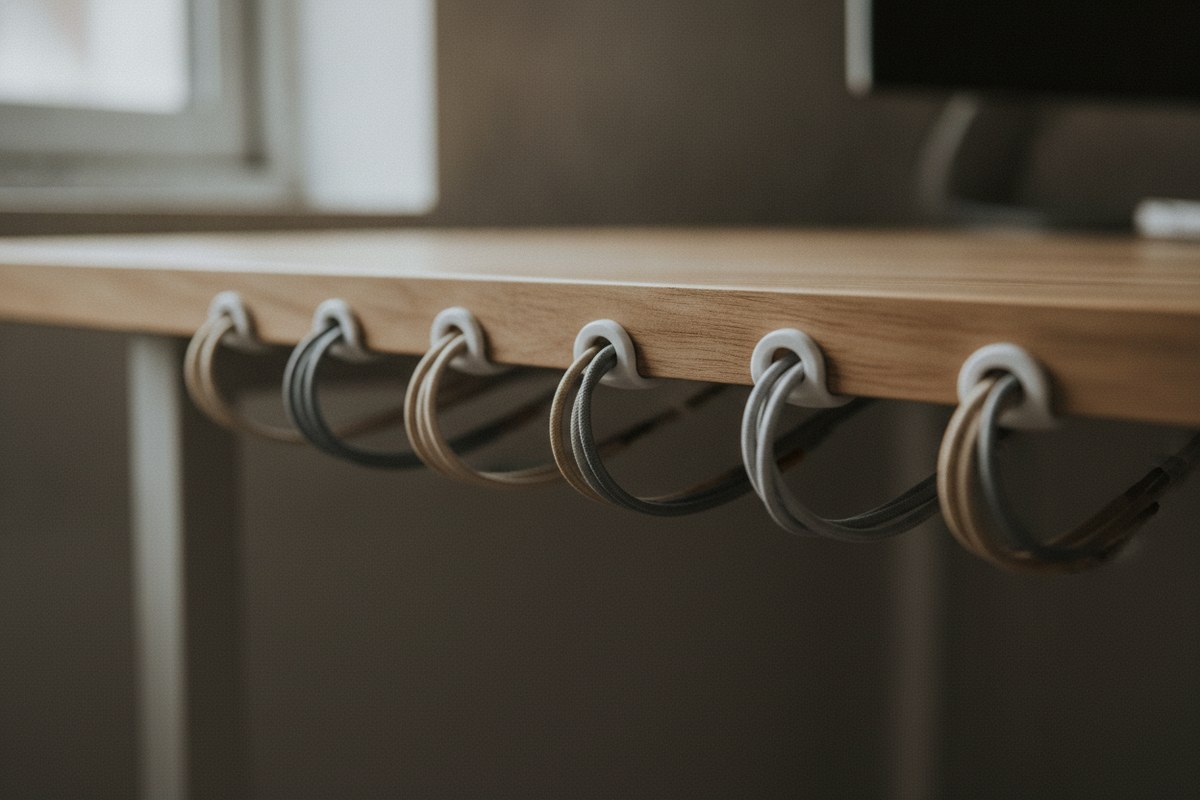
Small adhesive cable clips stuck along the underside or back edge of your desk keep cords from sliding onto the floor or drooping into view. This is a tiny change, but it’s the difference between a desk that looks staged and one that looks lived-in and messy. Try spacing adhesive cable clips every six to eight inches along the path your main cords travel, guiding them in a clean line rather than a loose sprawl.
6. Mount Your Power Strip Instead of Letting It Sit on the Floor
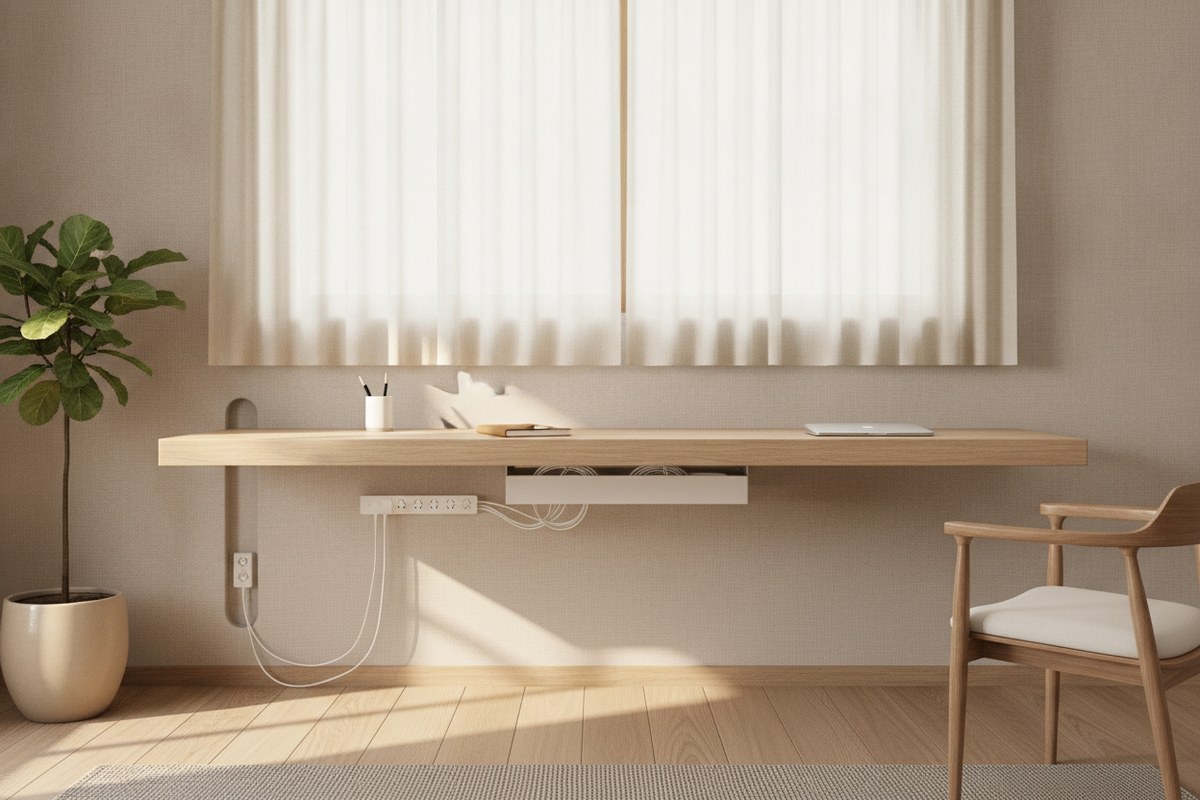
A power strip resting on the floor collects dust, tangles with cords, and is often the single messiest object in a desk setup. Mounting it to the underside of the desk or inside a cable tray keeps outlets accessible while removing visual clutter entirely. If you’re short on outlets to begin with, look for a slim power strip designed to mount vertically or horizontally in tight spaces — it saves floor space in dorms and studio apartments especially.
7. Label Cords So You Never Guess Again
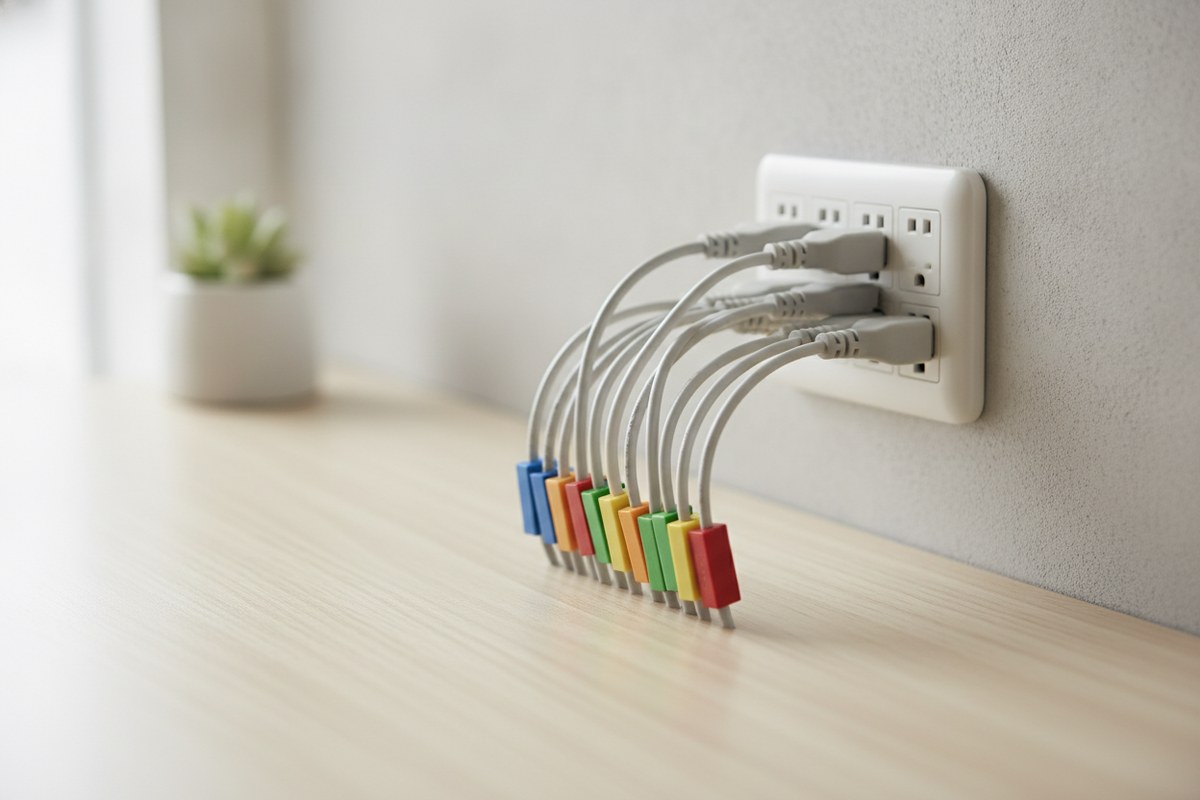
Nothing creates clutter faster than unplugging the wrong cord and leaving three others dangling while you investigate. A simple label at each cord’s base — made with a basic cable label kit — means you can identify and manage individual cords without unraveling your whole setup. This small act of labeling is very much in the spirit of Japanese organizing: a place and identity for every item, no exceptions.
8. Contain Chargers in a Dedicated Cable Box

For the inevitable pile of extra chargers, adapters, and power bricks, a compact cable management box hides the mess while keeping cords ventilated and safe. Set it on the floor beside your desk or tuck it onto a shelf below — either way, it contains the visual noise in one closed box rather than scattering it across your whole workspace.
9. Route Cords Vertically Behind the Desk
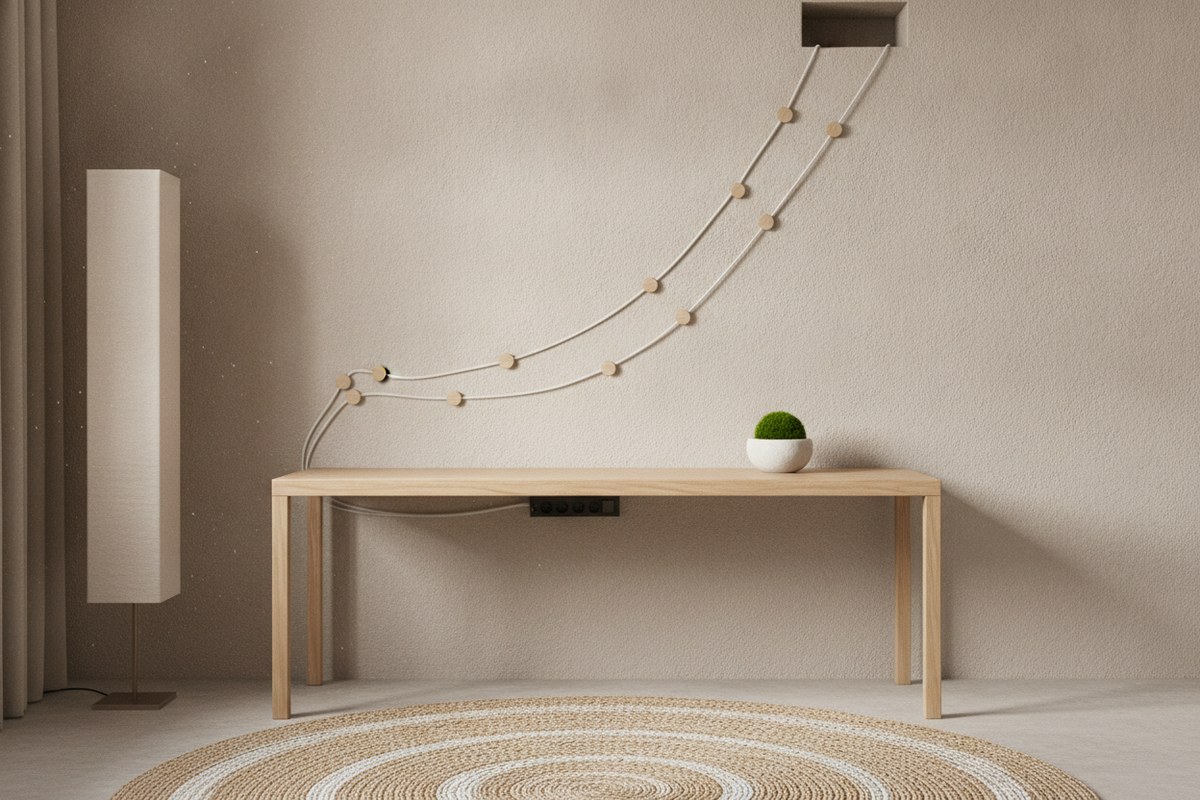
If your desk sits against a wall, use vertical cable raceways or clips to run cords straight up and down rather than letting them crisscross behind the desk. Vertical routing takes advantage of wasted wall space, keeps cords from bunching into a visible knot, and makes it much easier to trace a single cord back to its source when you need to unplug something.
10. Build In a Weekly Cord Reset
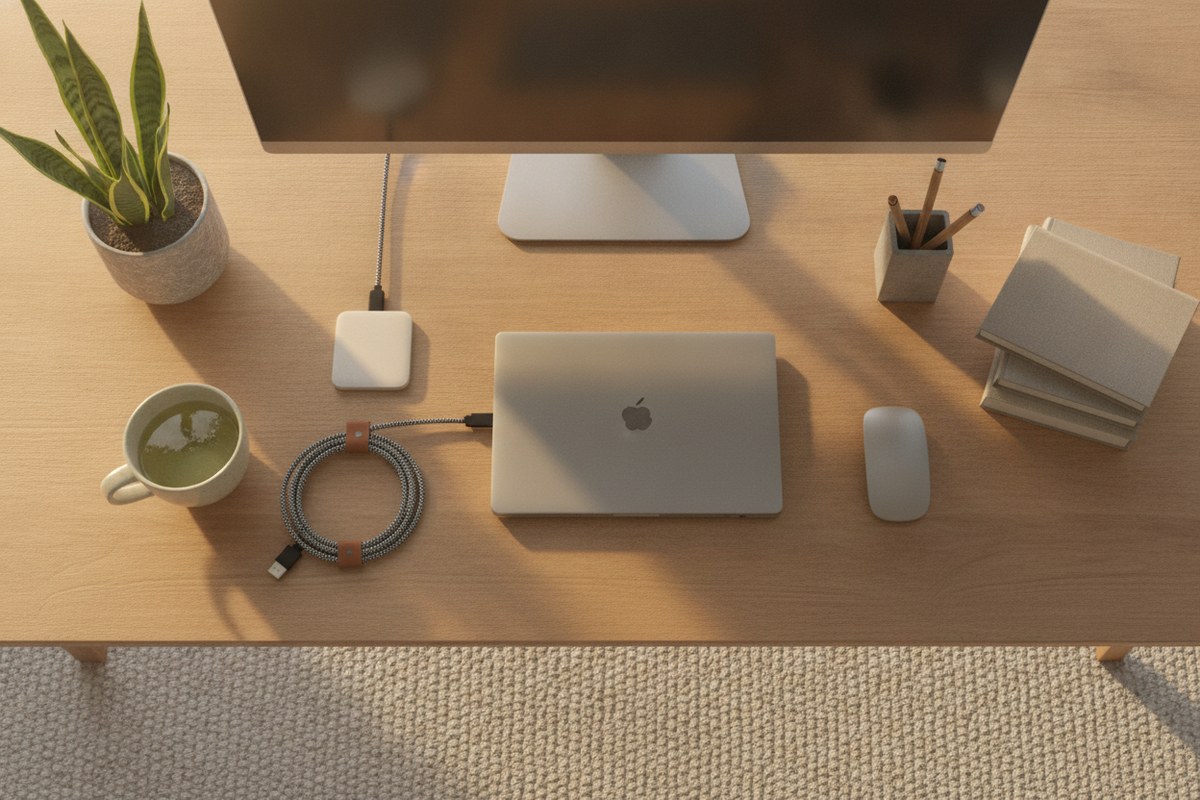
Even the best system drifts over time as new devices arrive and old habits creep back. Set a standing reminder — Sunday evening works well — to spend two minutes re-coiling loose cords, wiping down your tray, and confirming nothing has slipped out of its clip. This mirrors the Japanese practice of small, consistent resets rather than big overwhelming cleanups, and it’s the real secret to a desk that stays calm week after week rather than just looking good for one photo.
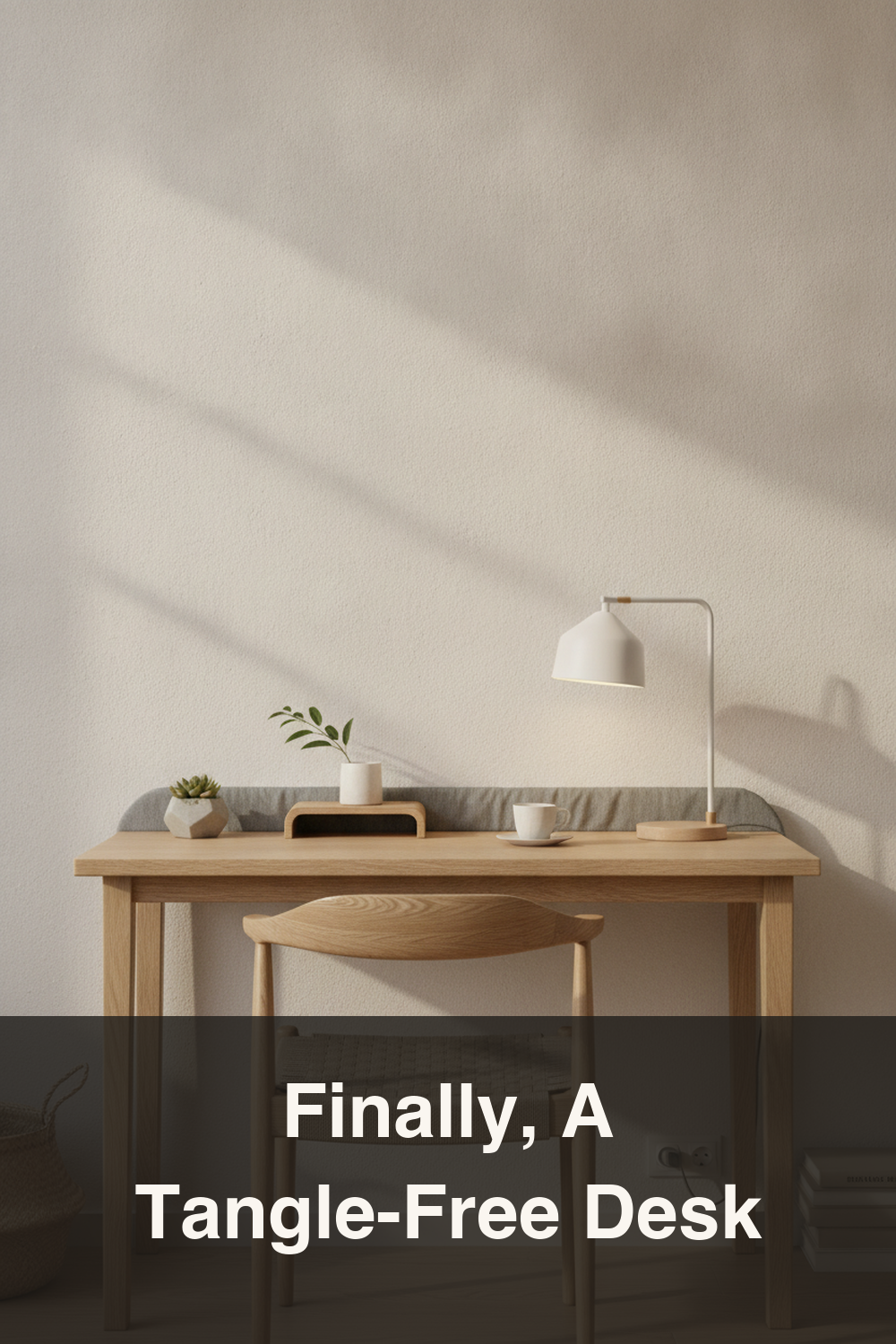
A clean desk isn’t about owning fewer cords — it’s about giving every cord a defined, intentional place. Start with just two or three of these ideas, like a cable sleeve and an under-desk tray, and build from there. Once the wires disappear from view, the rest of your Japandi desk setup finally gets the calm, uncluttered backdrop it deserves.